Type a single term or multiple terms into the Search bar, then hit Enter on your keyboard or click the  button to perform a search of the key coding tables. A Neoplasm or Drugs & Chemicals Table search will look for the term(s) throughout that particular table and return results based on relevancy. Searching for more terms likely will narrow your results and may help you get to the correct code faster.
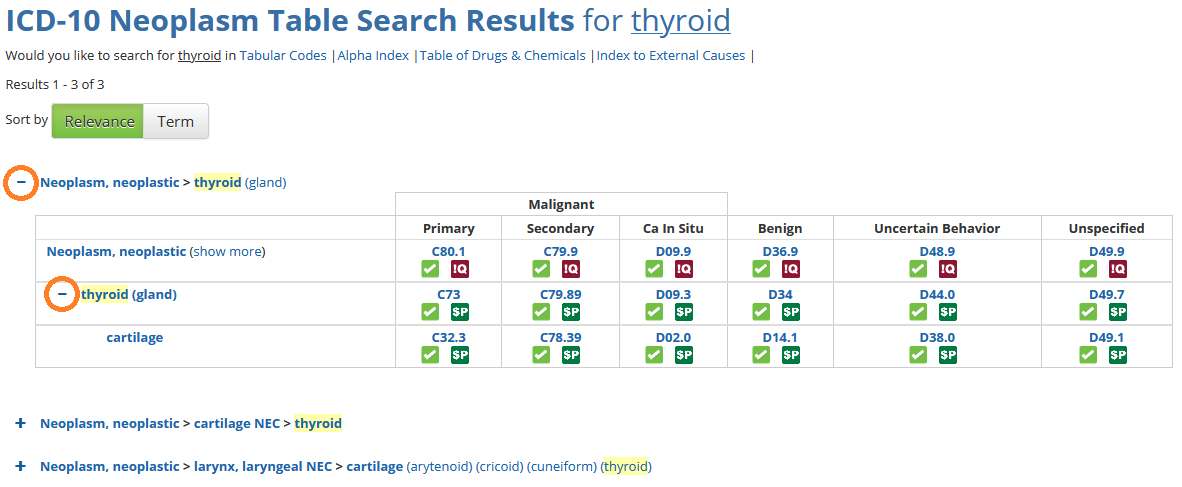
Click any “+” next to a search result to view all the columns of the Table for that result. Click any “+” next to a Table row entry to see all the rows indented below. Click on any code on this page to go directly to the code’s detail page.
Watch Table search tutorial (Recorded 12Feb18):
Comments