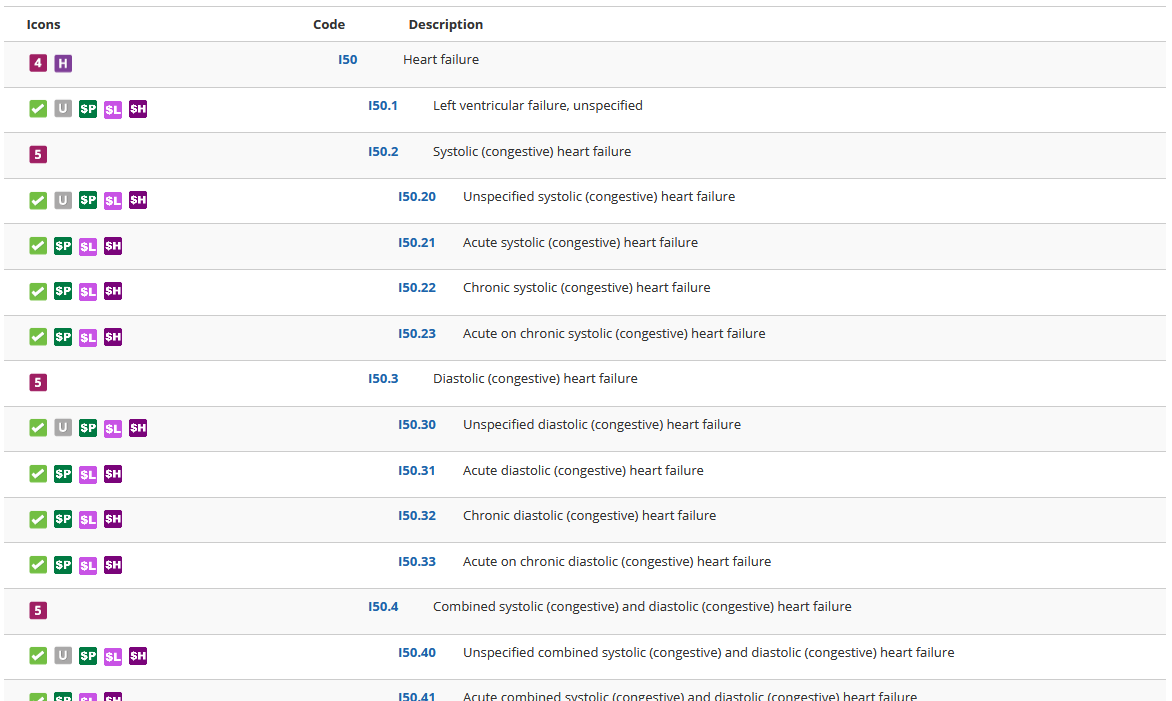
Icons appear below the descriptor on the code and item detail page. Hover over an icon to learn its meaning or click the  in the Toolbox on the right side of the page to view a full listing of icons.


Note: Icons appear in the left hand column of the Tabular Codes and OASIS search result pages as well
Comments